Error code
Dryer signal LCD3
Asko dryer — reported by blinking lights rather than by a code. The TD70 platform changed its code form across revisions — L-numbers, then F-numbers, then S-numbers, then J1 and LCD strings — for the same machine family.
- From $95 diagnostic, credited to the repair
- 59 cities and neighborhoods covered
- OEM parts available on order
- In writing the price, before anything is opened
What we can confirm
Signal LCD3, from the manufacturer's own documentation
This code has no number, because this equipment has no display to put one on. The appliance signals it instead — an alarm, a symbol or a pattern of lights — and what it means is recorded in the documentation that ships with it.
The signal
LCD3
The TD70 platform changed its code form across revisions — L-numbers, then F-numbers, then S-numbers, then J1 and LCD strings — for the same machine family. The revision is part of the reading. The same idea for the filter in the door. Ignoring it is what puts lint past the filter and into the cabinet, which is the thing that actually shortens these machines.
or call (305) 363-1406
What it narrows down to
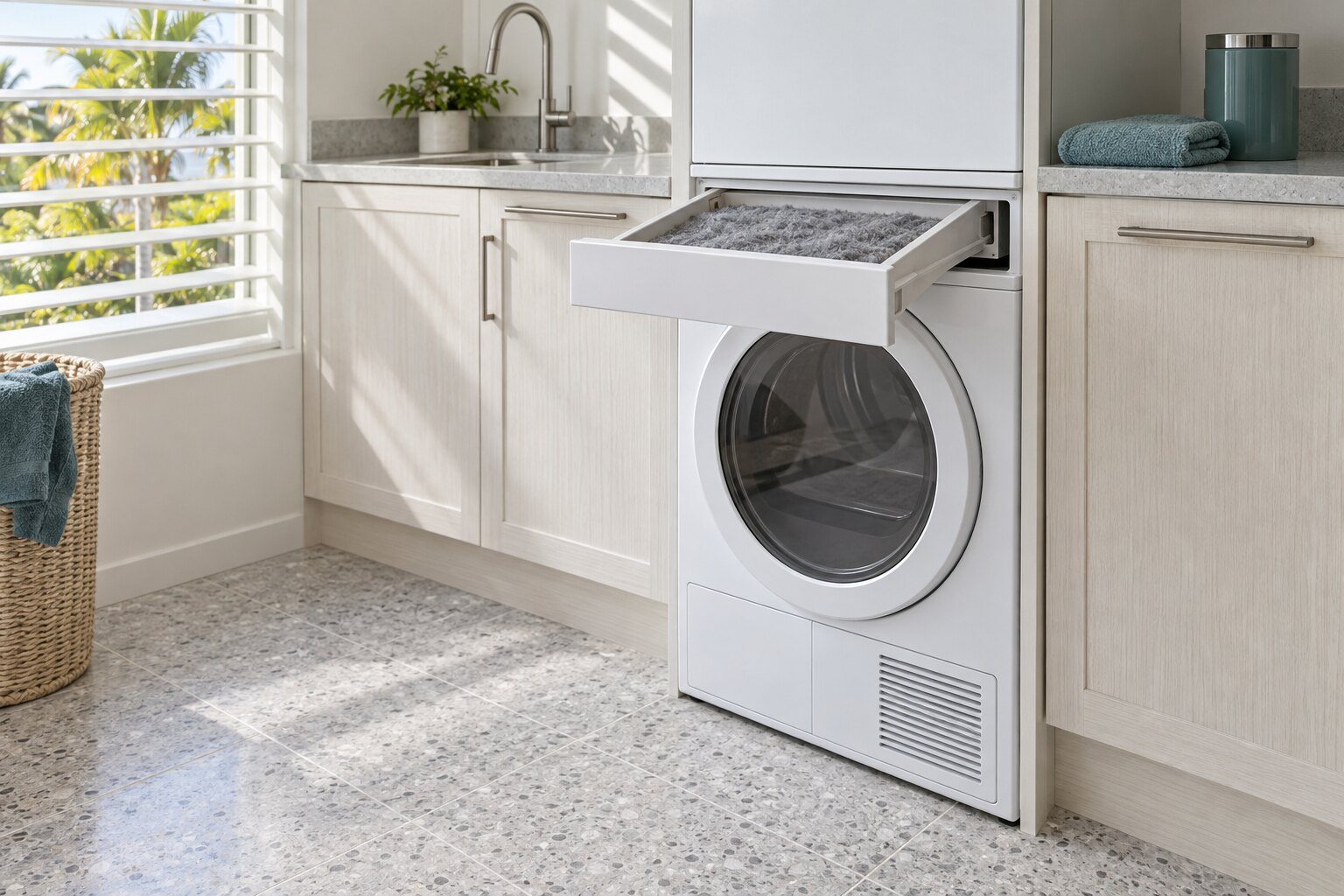
Clean the lint filter — automatic every hundred cycles, or after repeated filter warnings.
Diagnostic
From $95, credited to the repair
On the same appliance
What else belongs to the dryers
On this make a code belongs to the appliance rather than to a product line. These are the other conditions this machine can display, and the models that can show this one — a display often has more than one thing to say, and the model number decides what any of it costs to put right.
Other codes this appliance can display
High ambient temperature, low heater output and low drying temperature — poor condensation.
Poor condensation because external air is blocked.
Overflow — the condensate tank has been full for more than thirty seconds.
Maximum program time — the cycle passed two hundred minutes and was stopped and reset.
Thermistor — open circuit or malfunction. Check or replace the sensor.
Documented on the platform; the individual text is not legible in the published manual page.
Overflow — the same tank condition as on the TD70.2.
Maximum program time — stop and reset.
The same digits mean different things on different equipment. Search the full code list
In more detail
About Dryer signal LCD3
What the appliance is actually reporting
The TD70 platform changed its code form across revisions — L-numbers, then F-numbers, then S-numbers, then J1 and LCD strings — for the same machine family. The revision is part of the reading. The same idea for the filter in the door. Ignoring it is what puts lint past the filter and into the cabinet, which is the thing that actually shortens these machines.
Where this appears, and which table it belongs to
On the appliance's own display. Photograph it before you cut the power: a display that has been cleared has taken the evidence with it, and there is no way to ask the machine for it again. Then check the model, because this make changed hands in 2016 and the two generations share no code string. The same characters mean different things on a Classic ERC oven, an ER-series range and a Modernist induction cooktop, and a meaning read off the wrong table is worse than no meaning at all.
Which machines this one applies to
TD70.3. The same number on a different appliance of this make is a different page and often a different repair, which is why this archive is organized by appliance rather than by number. This maker documents codes on 8 of the appliance types this site publishes — cooktop, dishwasher, dryer, microwave, oven, range, refrigerator and washer — and publishes none at all for commercial line, freezer, microwave, oven, range, range hood and refrigerator. Those appliances have symptom pages here and no code pages, which is the honest answer rather than borrowing a table from the machine next door.
What to do about it
- Rinse the door filter and dry it before refitting — a wet filter blocks airflow as effectively as a dirty one.
Where this goes next
The job this usually becomes is diagnostic visit, and that page carries a starting figure and the reasons that move it. If it turns out to be nothing — and on this make a real share of these are modes, reminders and settings rather than problems — the visit ends there and you pay the diagnostic and nothing else, or call (305) 363-1406 and describe what the panel is doing before booking anything.
This article is based on:
- Official manufacturer documentation
- Internal repair procedures
- Technician repair history
- Company quality standards